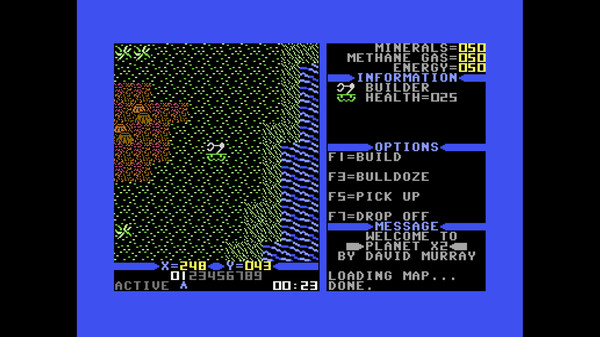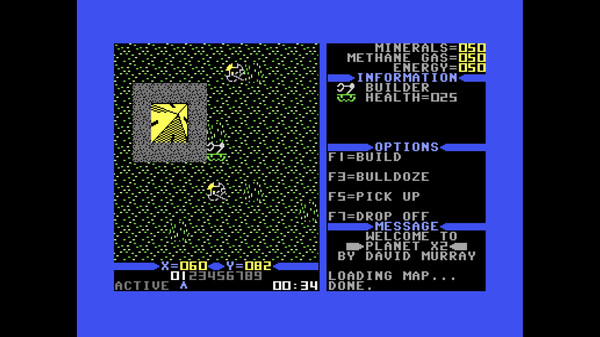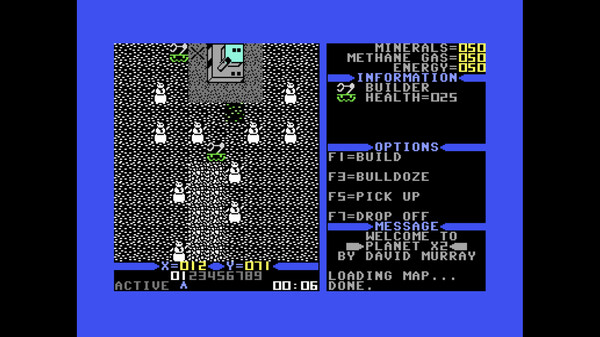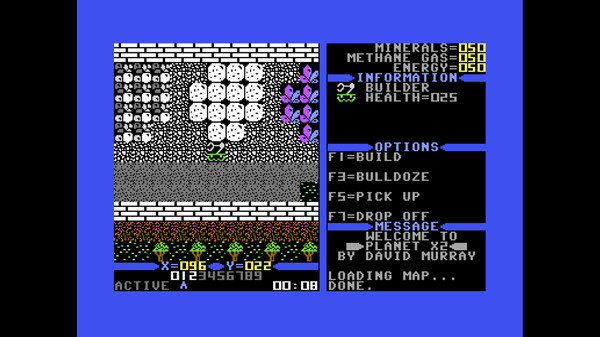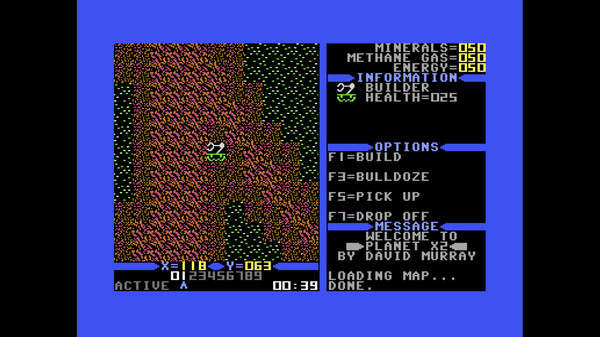
HOW TO PLAY. In order to better understand how to complete your mission,you will need to familiarizeyourself with the basic controls. Planet X2 is controlled entirely by keyboard.Planet X2 gives you control over a maximum of 10 driveable units, and 54 structures.The driveable units have a special view at the bottom of the screen showing whichones exist. If the number is highlighted in white, then that unit exists.The blue pointerpoints at the one you are currently controlling.The Game ScreenSwitching between unitsYou will need to switch between units during gameplay. There are several ways toaccomplish this.If you see the unit or building you want to control, simply press RETURN and browse overto the unit you wish to control, then press RETURN again.If the unit is not on the screen then you will need to use one of the other methods. If theunit can be driven around, you can select it using the number keys 0 through 9, as eachdrivable unit will be assigned one of these keys.If the unit is a building, you can use the PLUS and MINUS keys to alternate between all ofthe different buildings you have. You may need to press the keys several times to cycle tothe correct one.You can move your units around using the CURSOR keys or WASD keys, whicheveryou prefer. The function keys to your right are what you typically use to manipulateyour units, except for when firing your tank, which you use SPACE BAR.RESOURCES. One of the first things you will need to do is search for resources. You will need threedifferent types of resources – Minerals, Gas and Energy:MineralsOn Planet X2, minerals tend to form in large outcroppings and come in differentforms.Once you have located the minerals, you will need to pick them up with your builder.That means you will have to get very close to the minerals. If something is in theway you will need to move it or destroy it. Once you have picked up the minerals,drop them on the “X” spot next to your factory. Then select the factory and use F5 to“process minerals”. It may be helpful to build an additional factory next to the supplyof minerals to speed things up.NOTE: When you start the game you will be given an initial supply of resources to getyou started, but this amount depends on which difficulty level you select. See chartbelow. Далее